Share your vibe
Add a photo, your city and a few words about yourself. Studying, working, loving quiet evenings? Let people know.
A LITTLE HELP TO GET STARTED
From your first profile to finding your people. Learn how to use Współlokator.
Register an account with your basic details. Registration creates a public profile. Then sign in to add your bio, photos and preferences.
Create an account ↗Your basic profile is visible after registration. Saving a full profile replaces it, leaving one personal profile in the directory. The homepage shows the eight newest active listings with photos.
Explore profiles ↗Open My profile and listings and select Edit. Saving updates the existing listing, preserving its address and any photos you have not selected for removal.
Edit your profile ↗Your profile or listing disappears from public lists and its direct link becomes unavailable. Information and photos remain saved in your account. Your registration profile will not reappear in its place.
Open My profile and listings and select Activate. Saving changes to an inactive listing does not activate it automatically.
Manage visibility ↗You can have 4 JPG or PNG photos in total, up to 2 MB each. Existing photos are kept during editing. To replace one, select Remove photo beside it and choose a new file.
Yes. Choose the appropriate type on the add listing page. If you already have a profile, its editor opens. Saving changes the type of the same profile. A whole-apartment listing is separate.
Choose a listing type ↗Open their active profile and select the message option when available. You need to be signed in to chat. If the author added a phone number, you can view it after signing in. Received messages are in your site inbox.
Open messages ↗The account panel has separate tabs for account details and notification preferences. Edit your full public bio and photos in My profile and listings.
Open your account ↗FROM PROFILE TO SHARED KITCHEN
Add a photo, your city and a few words about yourself. Studying, working, loving quiet evenings? Let people know.
Explore profiles, budgets and lifestyles. Choose who you would like to talk to.
Send a message, get to know each other and discuss the details. A good home starts with a good conversation.
MAKE YOURSELF AT HOME
JOURNAL
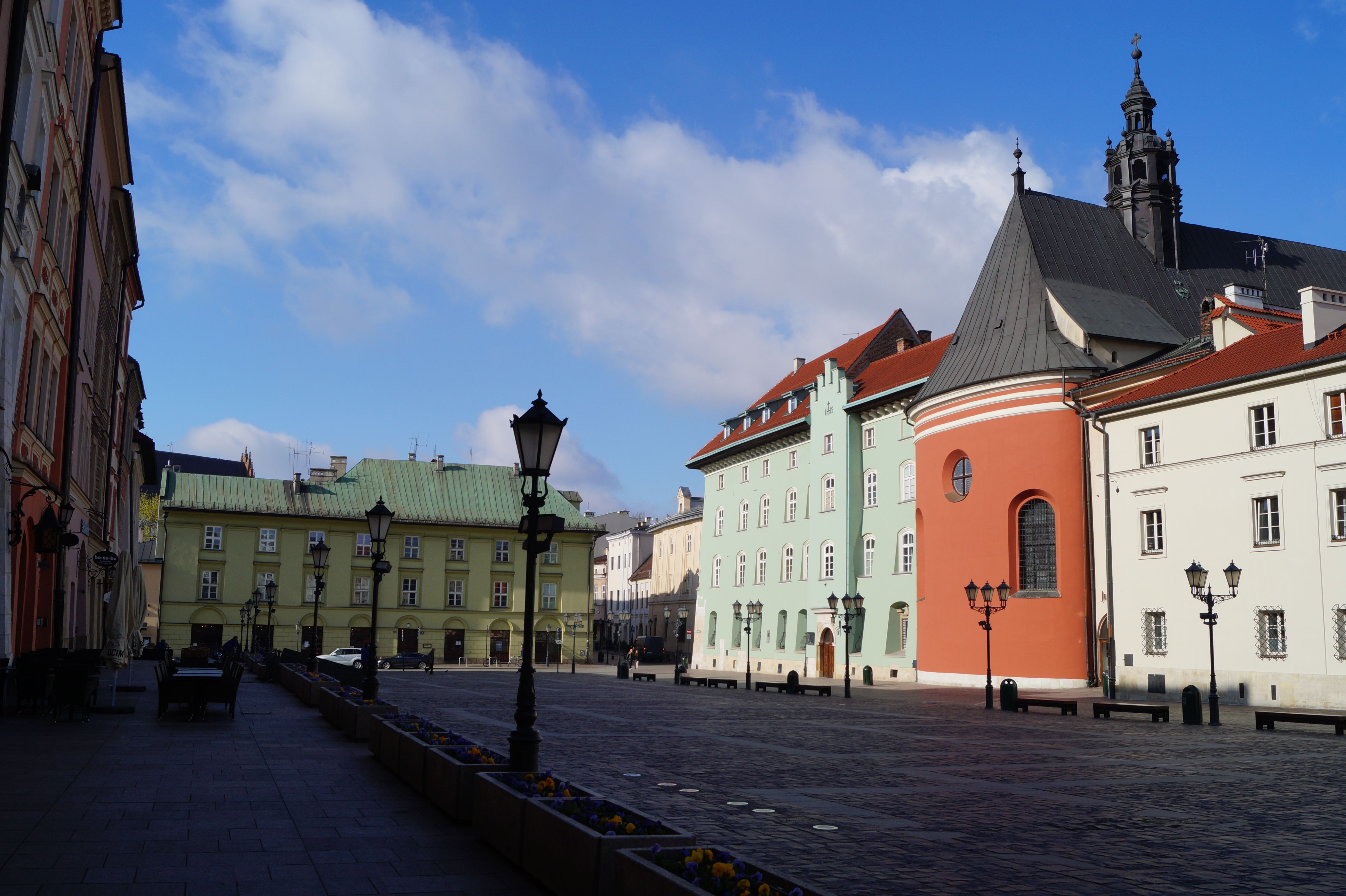
Pierwsze mieszkanie w Krakowie to nowy adres, ale też wspólna kuchnia, plan zajęć i codzienne przyzwyczajenia. Dobry opis profilu oraz kilka konkretny...
Read more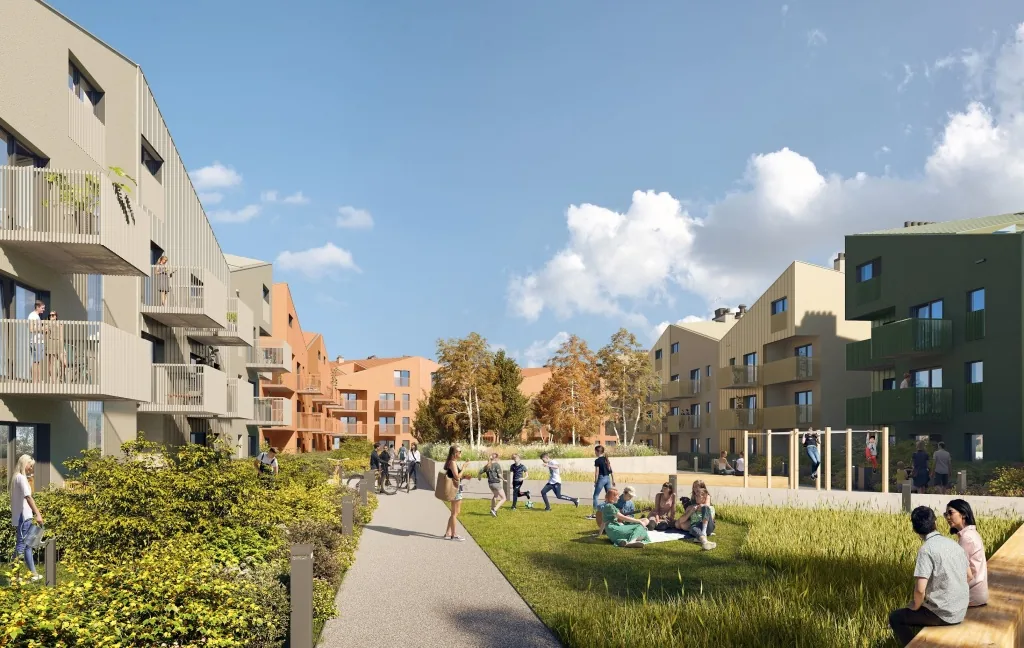
JOURNAL
Bielsko-Biała to dynamicznie rozwijające się miasto u podnóża Beskidów, idealne do życia dla osób ceniących połączenie nowoczesnej infrastruktury z bl...
Read more
JOURNAL
W miastach na całym świecie przestrzenie co-livingowe stają się coraz bardziej popularne. Co-living, czyli wspólne zamieszkiwanie połączone ze współdz...
Read moreHave a spare room or looking for a place? Let people find you.